Unblur Image — AI photo restore & enhance in seconds
Upload a blurry or low-res photo and let our AI recover sharp details, remove motion blur, and upscale it for print-ready results.
Fast, secure, and built for creators, teams, and support desks.


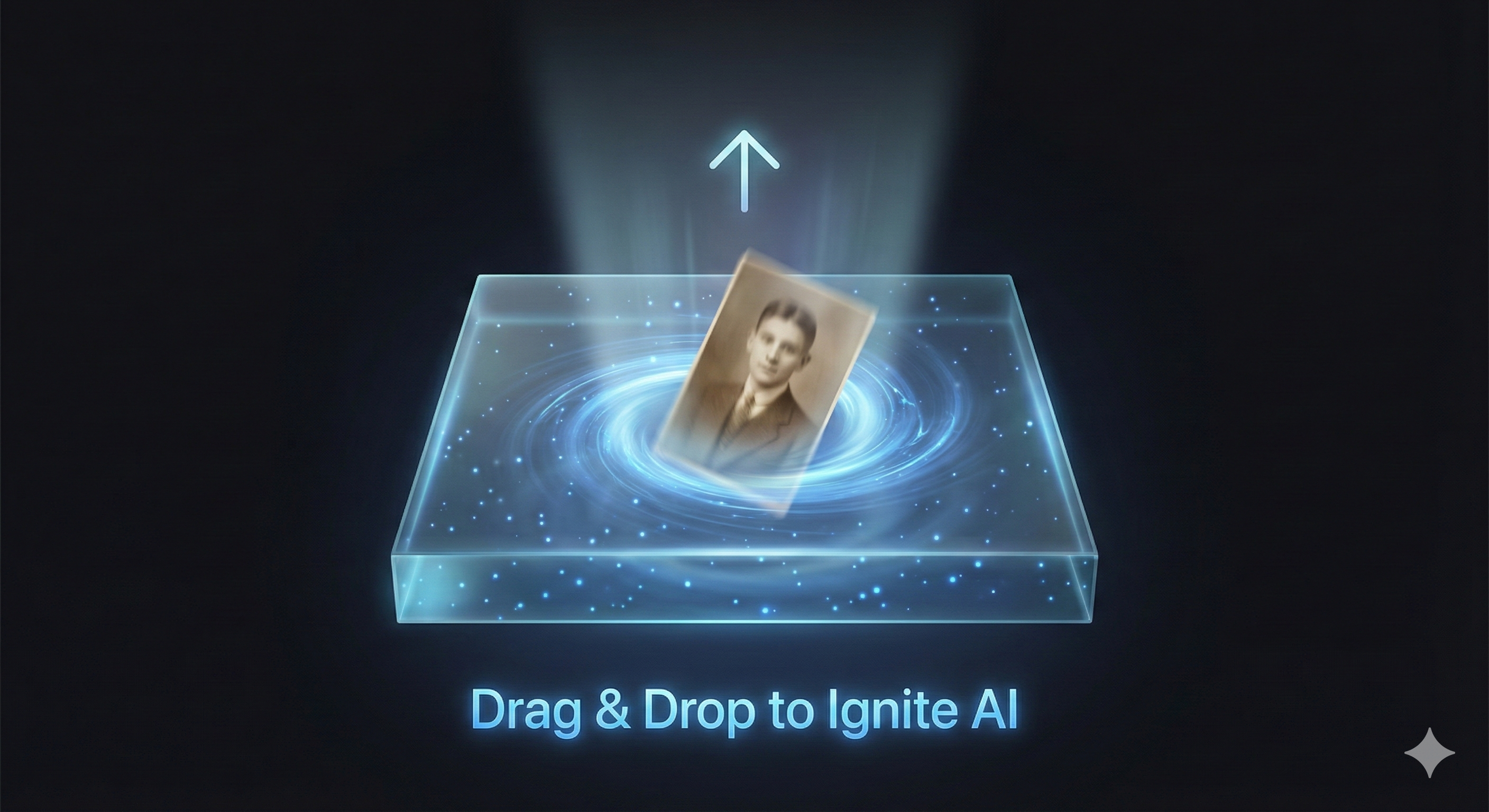
Drop, paste or add a URL
By uploading a file, you agree to our Terms of Use and Privacy Policy.
Fix a photo in 3 simple steps
From blur to crisp in under a minute.
Improve portraits without losing their soul
Clear facial blur right in your browser—keep natural skin, true texture, and original lighting while sharpening.
Restore portraits keep faces authentic
Unblur old or low-light portraits so faces stay warm, textured, and true to the original.


Sharpen faces without harsh edges
Remove facial blur and noise; edges stay clean, tones stay natural, and skin stays real.


Everything you need to unblur photos
Purpose-built tools to restore clarity, clean artifacts, and upscale without losing detail.
Motion blur removal
Stabilize shaky shots and recover edges from camera shake or subject movement.
Face + text enhancement
Preserve natural skin and make small text legible without over-smoothing.
Super-resolution
Upscale 2-4x while keeping textures realistic for print or crop.
Artifact clean-up
Remove JPEG blocks, noise, and compression mush from screenshots or exports.
Batch processing
Queue multiple images and export consistent results for catalogs or archives.
API ready
Automate restoration from your product, helpdesk, or DAM with a simple API.
Frequently asked questions
Need help? Email support@unblurimage.space.
What types of images work best?
Portraits, product photos, screenshots, and scanned images with blur, noise, or low resolution. Heavy motion blur recovers best when faces or objects are visible.
Do you store my photos?
We process securely and keep images in your account so you can re-download. You can delete them anytime; we do not use your images to train public models.
Can I use restored photos commercially?
Yes. You retain rights to your uploads and outputs. Ensure you have permission for any people or brands shown.
Is there an API?
Yes, you can automate uploads, choose enhancement modes, and retrieve results via API. Contact us for access.
How is pricing structured?
Free tier for quick fixes, paid plans with higher resolution, batch jobs, and API access. See the pricing page for details.
Will my photo look over-processed?
We prioritize natural textures. You can compare before/after and adjust modes if you want a softer or sharper finish.
Restore your photo now
Upload a blurry image and get a sharp, ready-to-use version in seconds.